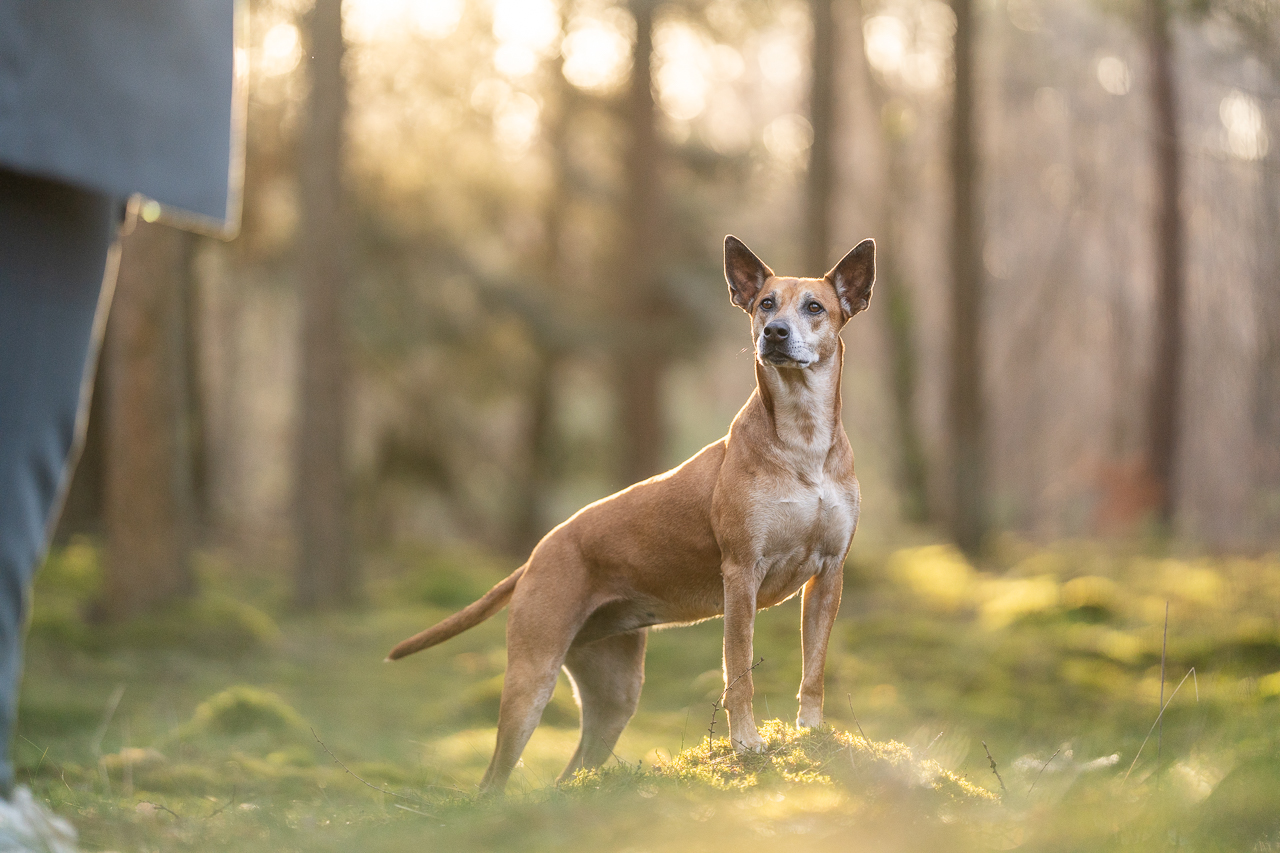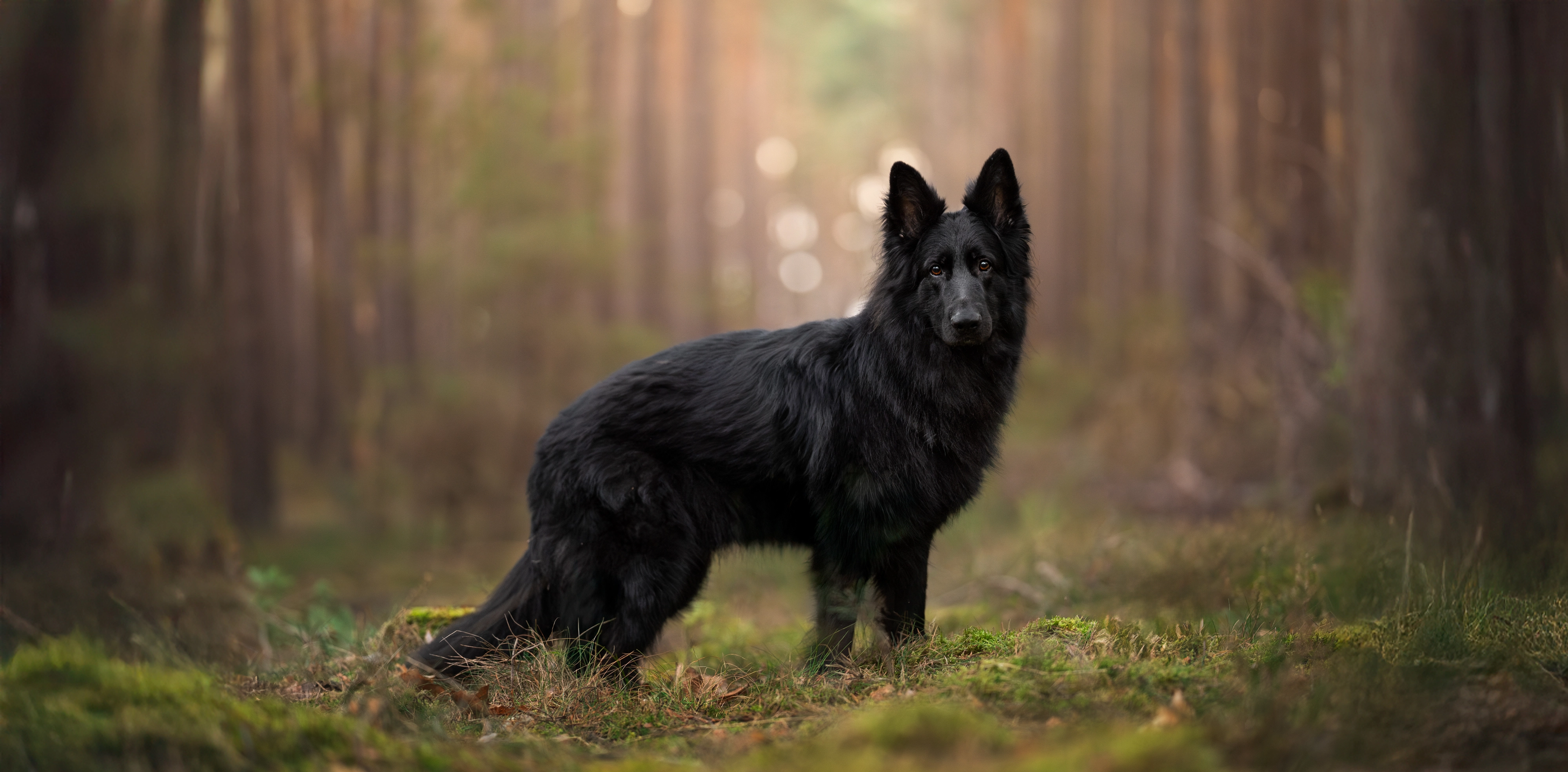
Your Result:
Everything is a bit... the same.
This issue can show up in a few different ways, and is something I see all the time inside the Learning Community when people feel like their photo is “missing something”. Usually, these photos are either:
- all a bit dark – the photographer might have been going for ‘Dark and moody’ but now the dog is just lost in the dark, OR, editing in a dim room with the screen brightness down, or they just didn’t check the histogram at the end…
- all a bit pale/bright: imagine a golden retriever in a soft field of flowers. Everything is warm and light and bright. Super pretty, super harmonious, but the dog is going to have a hard time “popping” when it’s all the same
- all the same contrast: either everything is strong contrast, with strong blacks and whites in both the dog AND the background…. or… everything is LOW contrast, without strong blacks and whites, like when you take photos on a snowy, overcast day. Nothing pops. Everything is grey.
The most powerful fix, honestly, is in the editing. Learning to selectively brighten your subject, or change the amount of contrast on the subject or the background, using light intentionally rather than just globally adjusting the whole image, is one of the things that transforms a flat photo into something that feels alive.
One thing to try:
In your editing software, try brightening just your dog while leaving the background alone. Or, add some contrast to your dog, and lower it in the background. Even a subtle difference in brightness or contrast between subject and background tells the eye where to look.
Be very careful overdoing this or your dog will look like a sticker!
Want to go deeper?
This is exactly the kind of thing covered in the Make Your Dog Pop Masterclass recording : specifically how to use light and selective editing to make your subject stand out. €35, straight to the point.